Backgrounds,removed.
Verbier is a background removal API. Send it a photo and you get the subject back on a transparent background.
- 50 free images every month
- No credit card required
- Only delivered images count
- Cancel any time
See the cut.
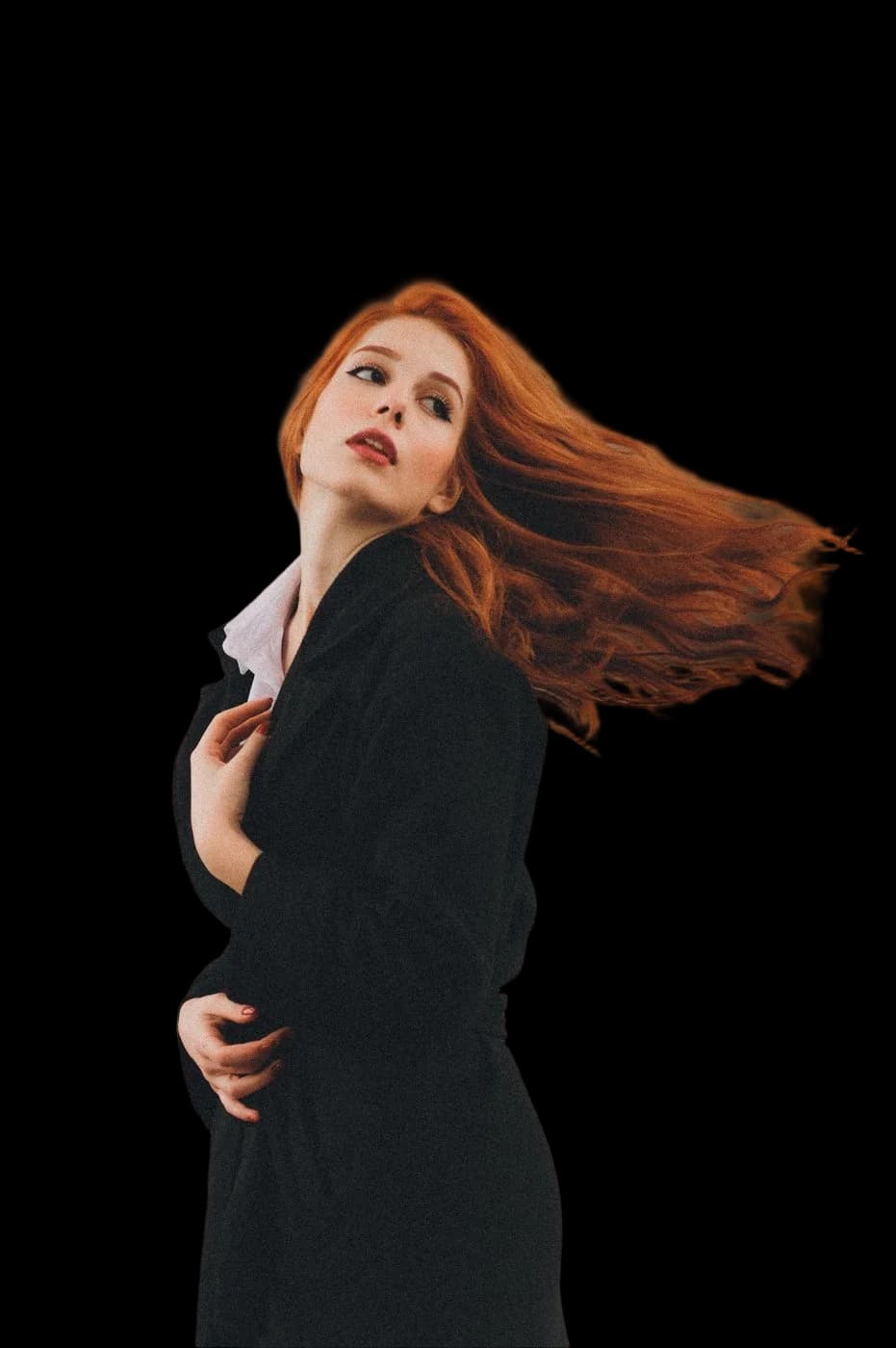
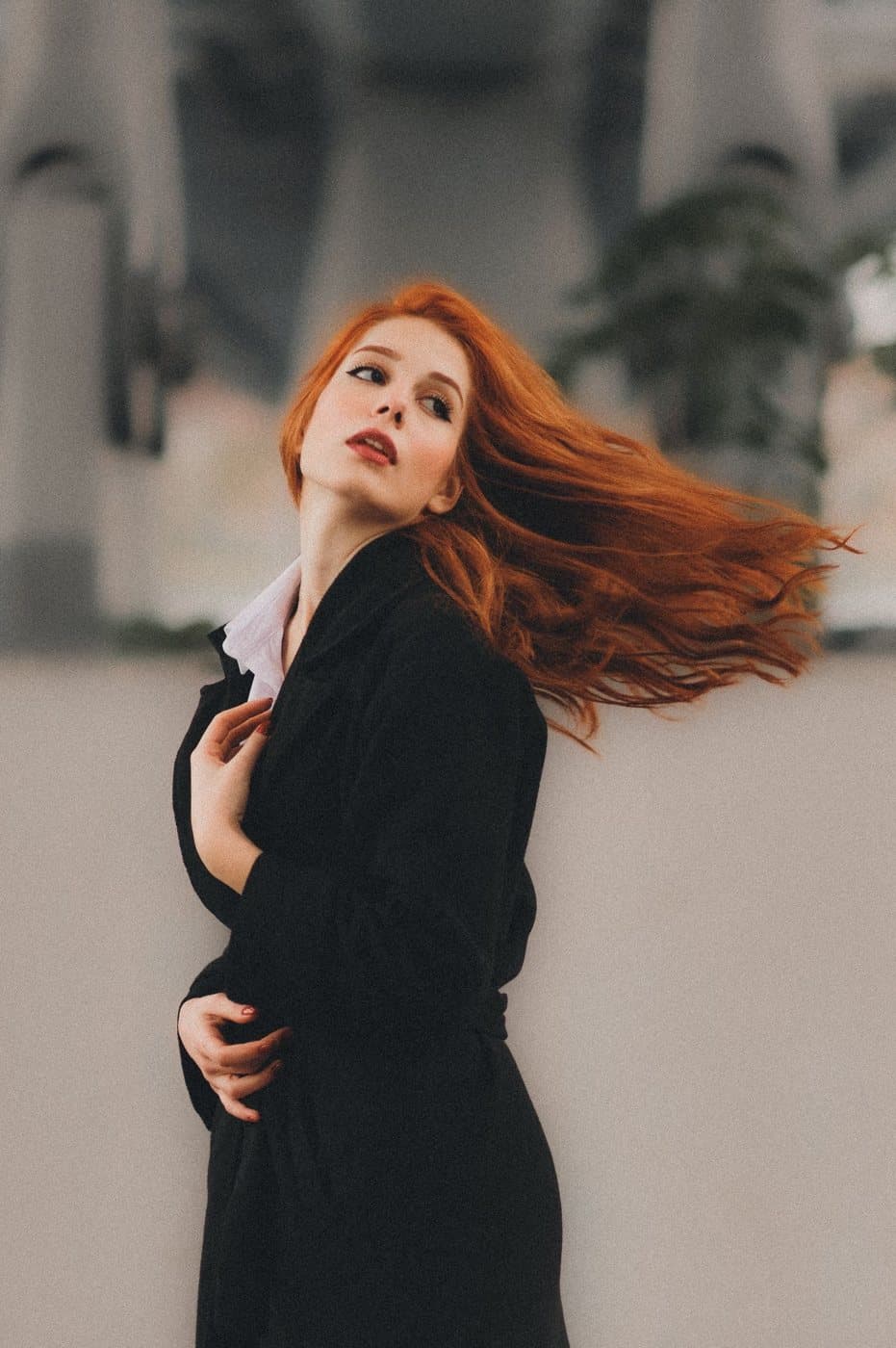
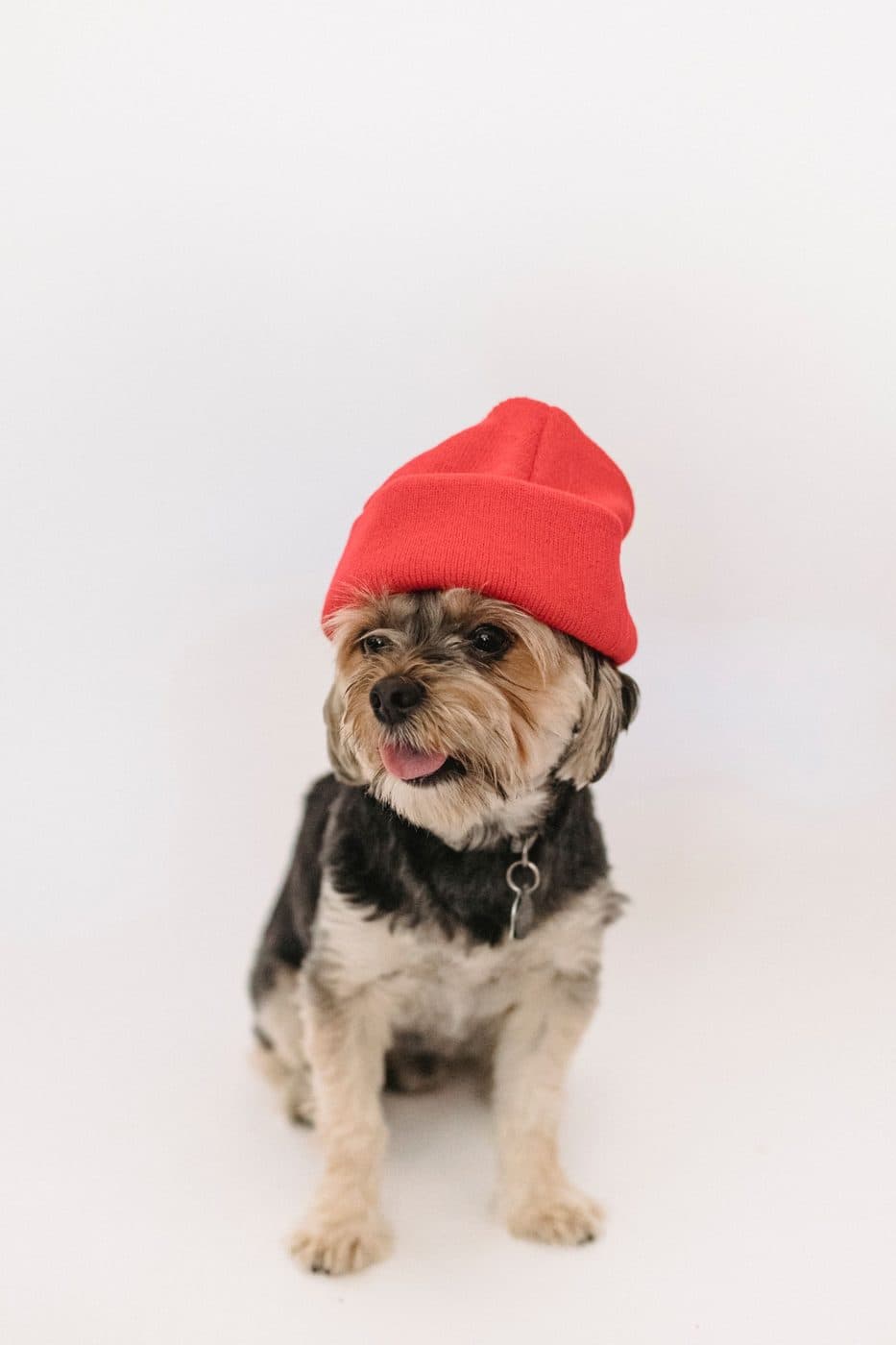
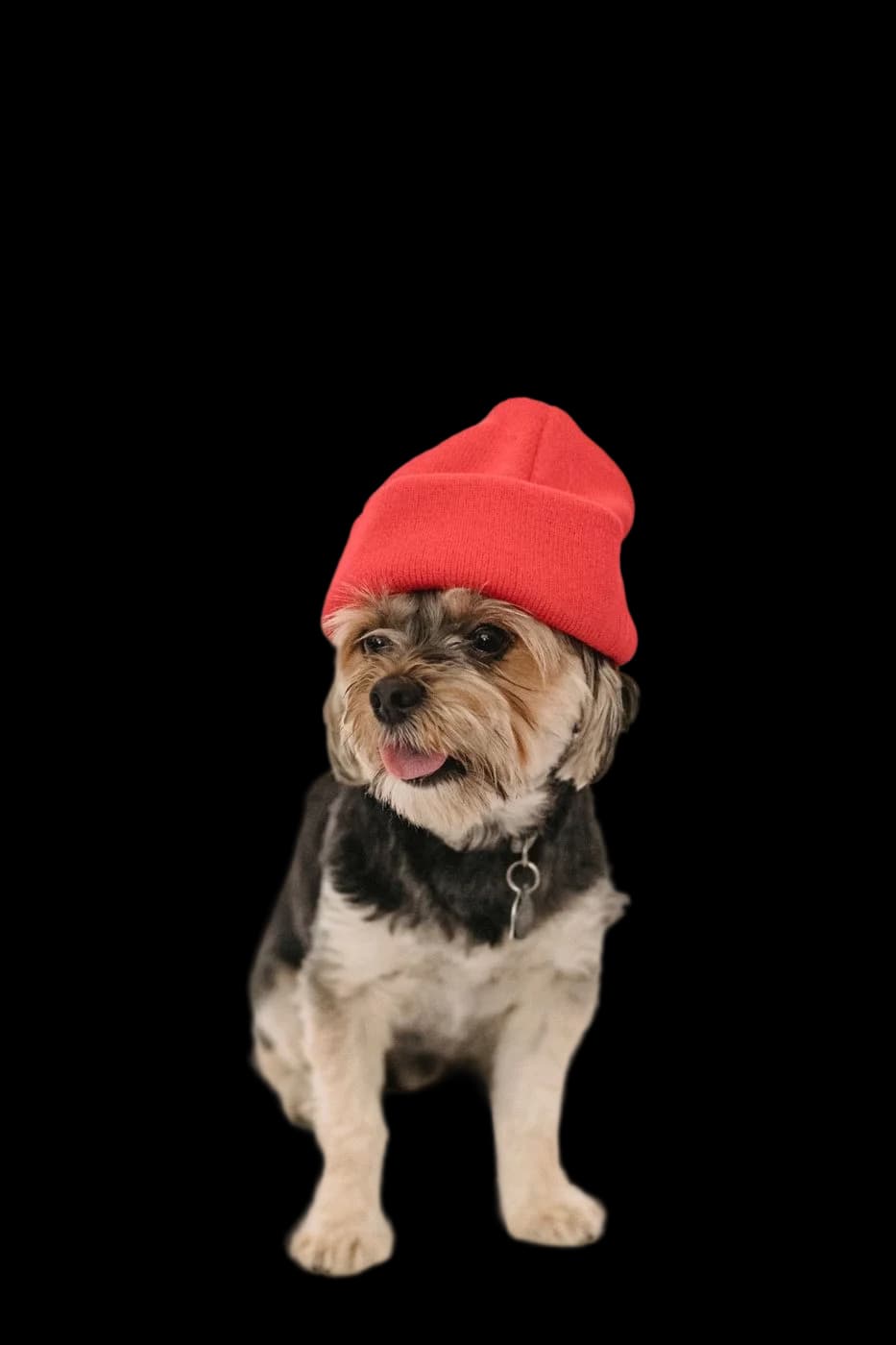
Drag across the photo to compare, and try the cut-out on a colour. These are the API's results exactly as they came back, on default settings and with no retouching.
- Default settings, no retouching
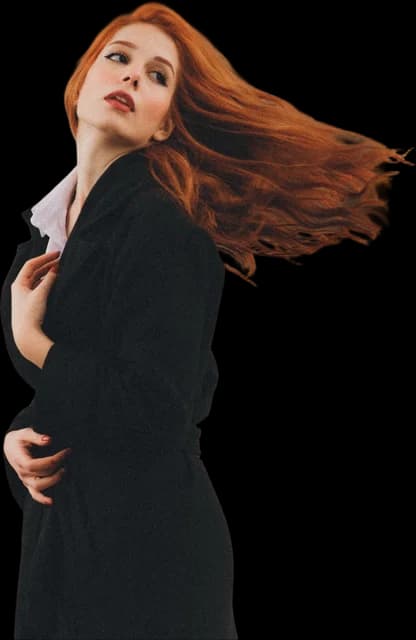
- Hair and fur keep their own colour
- On a colour or transparent
JPEG, PNG or WebP up to 3 MB. Photos go through OpenAI's moderation check first, and Verbier doesn't keep them.
POST /v1/cutout
verbier
One request.
Post an image URL or base64 to /v1/cutout and a transparent WebP or PNG comes back, cropped to the subject, in about two seconds. The batch endpoint takes up to 32 images at a time, and every response tells you how much of your allowance is left.
- Image URL or base64 in
- Transparent WebP or PNG out, in about 2 s
- Up to 32 images per batch call
Made for the hard ones.
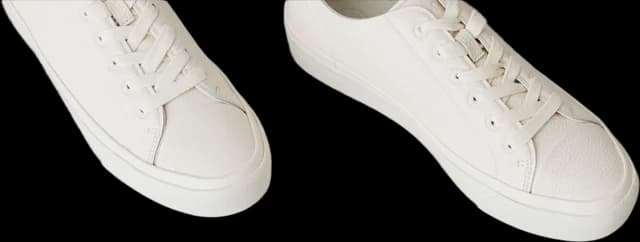
Cut-outs usually go wrong on a white trainer against a white floor, a box cut off by the edge of the photo, or loose hair. Before cutting, Verbier pads each photo with more of its own backdrop, so a product that runs off the frame keeps its outline.
- White on white
- Products running off the frame
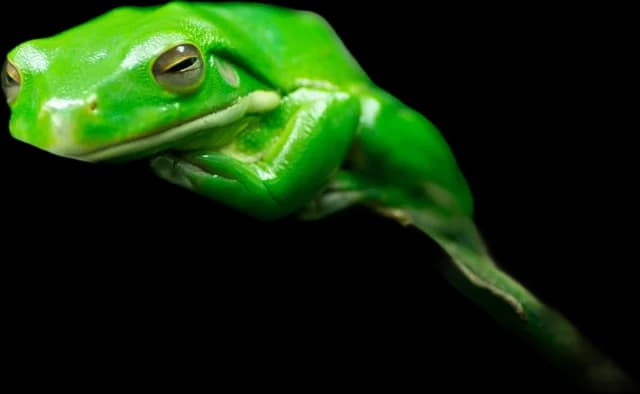
- Hair, fur and thin stems

 "cleanup": false
 "cleanup": true
No stray specks.
Turn on cleanup to remove the small bits of background a cut can leave behind, like a fleck of wall or a stray leaf. Second objects and loose strands of hair are left alone.
- Removes stray specks of background
- Keeps second objects and loose strands
"cleanup": true
Shadows that sit it down.
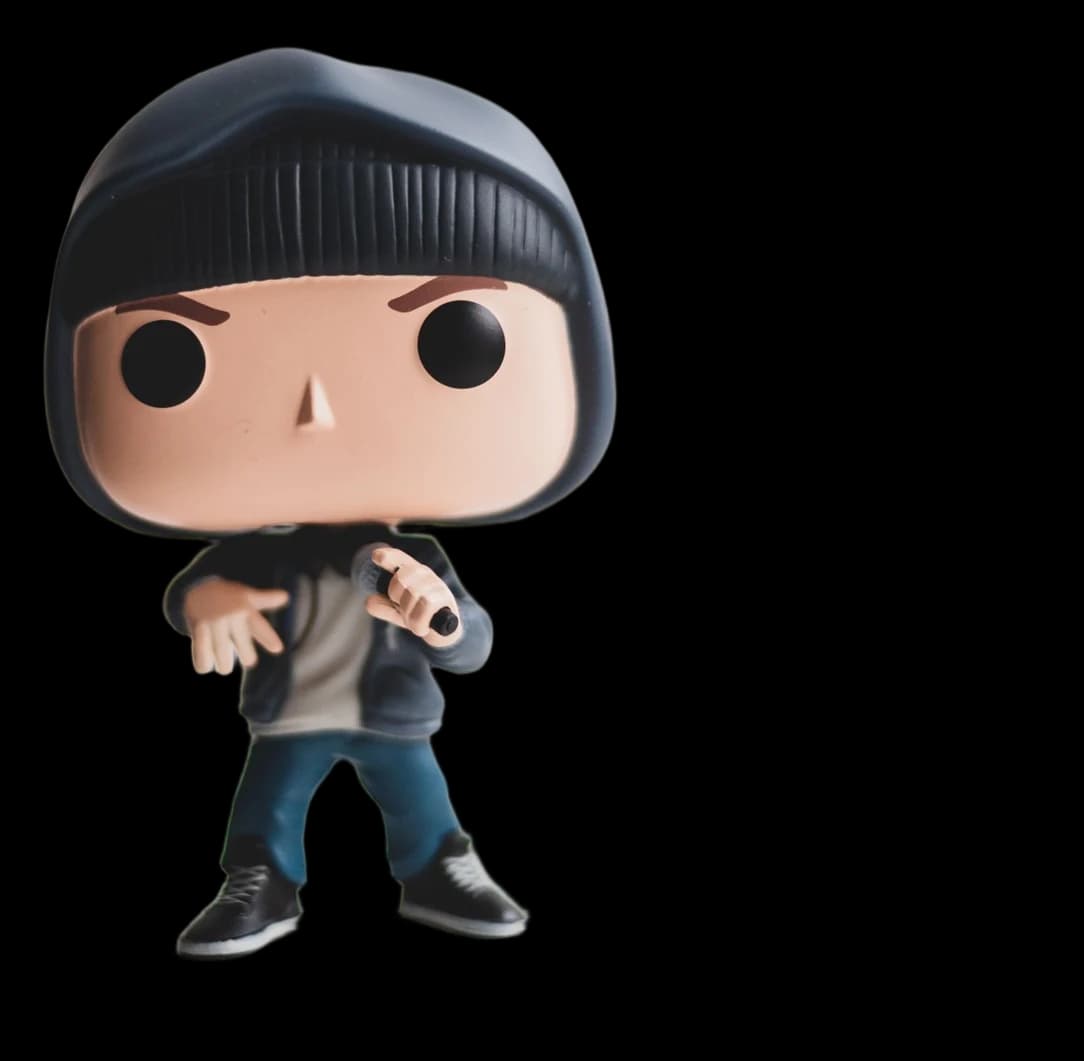
Ask for a shadow and Verbier draws it from the cut-out's own shape. A drop shadow lifts it off the page, a contact shadow darkens the ground where it stands, and a cast shadow falls back across the floor as it would under a studio light. The image grows to make room for it.
- Drop, contact or cast shadow
- Drawn from the cut-out's own shape
"shadow": "cast"
Small photos, sharper.
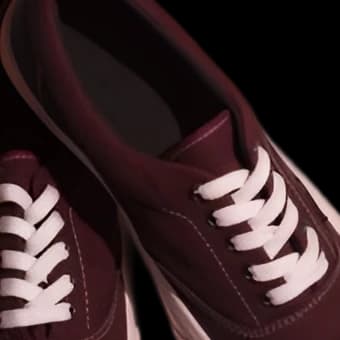
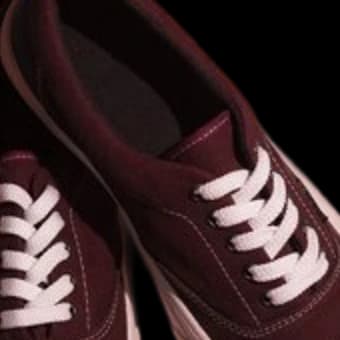
Supplier photos are often tiny. Upscale doubles the cut-out's resolution and keeps edges and texture sharp, where an ordinary resize would blur them.
- 2× the resolution
- Sharper than a plain resize
"upscale": 2
Trimmed to the subject.
Cut-outs come back cropped to the subject with a 2% margin, so there's no empty canvas to deal with. Set the margin to 0 for a tight crop, or turn trim off to keep the full frame, lined up with the original photo.
- On by default, no extra cost
"margin": 0 for a tight crop"trim": false keeps the full frame



Matched to this
Colour-matched to the scene.
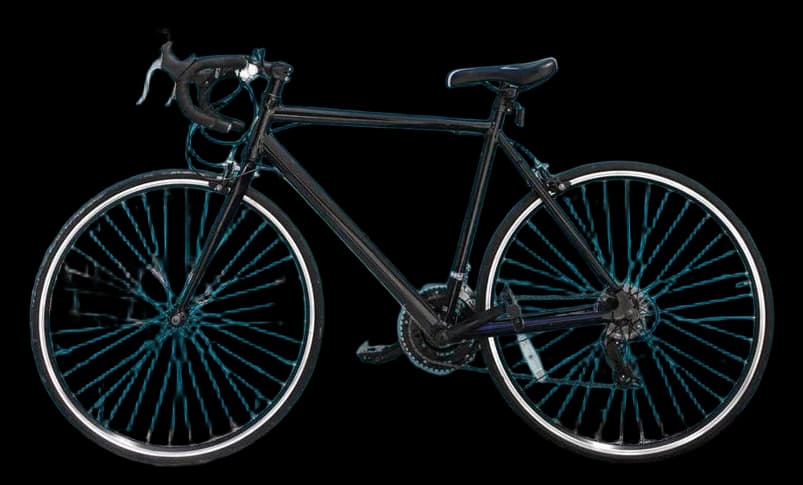
Put the cut-out on a colour or on a photo of your own, and colour matching adjusts it to the light in the scene so it looks photographed there. It suits people and lifestyle shots. Leave it off when a product's colour has to stay exact.
- Any colour or background photo
- Lit to match the scene
"color_match": 0.4
Pay for what we deliver.
Every account gets 50 images a month free. Only images we send back count, so a failed request costs nothing. Upgrade or cancel from your dashboard.
- 50 free images every month
- Only delivered images count
- Cancel any time
Free
50 images a month
$0/mo
Start freeStarter
1,000 images a month
$9/mo
Choose StarterPro
10,000 images a month
$49/mo
Choose Pro
Loved by teams who ship photos.
“We swapped our old remover out in an afternoon. White-on-white products finally keep their edges.”
Maya R.
Ops lead, sample homeware shop
“Only paying for images that actually come back is exactly how an API should bill.”
Ben O.
CTO, sample print-on-demand
“Clean alpha on our pet photos, fur and all. Our customers noticed.”
Aisha M.
Owner, sample pet portraits
“Two thousand listings re-shot overnight without anyone touching Photoshop.”
Tomás G.
Founder, sample sneaker resale
“The batch endpoint turned a weekend job into a coffee break.”
Lena K.
Developer, sample marketplace
“Set up a key, pasted the curl, shipped. Ten minutes end to end.”
Jon P.
Indie developer
“Hair used to be the giveaway. Now nobody can tell which headshots were cut, even on a dark background where the old tool left a glow.”
Priya S.
Designer, sample agency
“Boxes that run off the edge of the photo used to lose a corner. Not any more. The contact shadow makes them sit on the page instead of floating.”
Sam W.
Catalogue manager, sample toy store
“Our supplier photos are tiny. Upscale plus cleanup made them usable on the product page without a reshoot.”
Maya R.
Ops lead, sample homeware shop
“We swapped our old remover out in an afternoon. White-on-white products finally keep their edges.”
Maya R.
Ops lead, sample homeware shop
“Two thousand listings re-shot overnight without anyone touching Photoshop.”
Tomás G.
Founder, sample sneaker resale
“Hair used to be the giveaway. Now nobody can tell which headshots were cut, even on a dark background where the old tool left a glow.”
Priya S.
Designer, sample agency
“Only paying for images that actually come back is exactly how an API should bill.”
Ben O.
CTO, sample print-on-demand
“The batch endpoint turned a weekend job into a coffee break.”
Lena K.
Developer, sample marketplace
“Boxes that run off the edge of the photo used to lose a corner. Not any more. The contact shadow makes them sit on the page instead of floating.”
Sam W.
Catalogue manager, sample toy store
“Clean alpha on our pet photos, fur and all. Our customers noticed.”
Aisha M.
Owner, sample pet portraits
“Set up a key, pasted the curl, shipped. Ten minutes end to end.”
Jon P.
Indie developer
“Our supplier photos are tiny. Upscale plus cleanup made them usable on the product page without a reshoot.”
Maya R.
Ops lead, sample homeware shop
Background removal API questions.
What is a background removal API?
A web service that takes a photo and returns just the subject, with the background made transparent. With Verbier you post an image URL or base64 to /v1/cutout and get back a transparent WebP or PNG, cropped to the subject.
Is there a free background removal API?
Yes. Every Verbier account includes 50 images a month at no cost, and you don't need a card to sign up. Only images we deliver count towards it.
How much does background removal cost per image?
Starter is $9 a month for 1,000 images, about $0.009 each; Pro is $49 a month for 10,000 images, about $0.0049 each. Plans renew monthly and you can cancel from your dashboard at any time.
Can I remove backgrounds from many images at once?
Yes. The batch endpoint, /v1/batch, takes up to 32 images in one call and returns each result with the id you gave it. Each image counts once.
Which image formats does it accept and return?
Send JPEG, PNG, WebP, GIF, BMP or TIFF up to 20 MB, as a URL or as base64. You get back a transparent WebP by default, or a PNG if you ask for one.
How well does it handle hair and fur?
Verbier cuts at high resolution, then cleans up the colour at the edges so strands keep their own colour instead of a fringe of the old background. The examples on this page are its results exactly as they came back.
Do you keep my images?
No. Verbier processes each image, returns the result and keeps no copy. Only counts and timings are logged, for usage and billing.
What happens if a request fails?
Nothing. An image only counts once it has been delivered, and every response carries your usage and limit in the X-Usage and X-Limit headers.
How fast is it?
About two seconds per image while it's running. After a quiet spell, the first request can take up to half a minute while a GPU starts up.
Can it add shadows, clean up or upscale?
Yes, as options on the same request. Use "shadow" ("drop", "contact" or "cast") for a shadow, "cleanup": true to remove stray specks, "upscale": 2 to double the resolution, and "margin" or "trim": false to control the crop. "background" puts the result on a colour or photo, and "color_match" adjusts the subject to that background's light.